



To get on the Instagram Explore page, make content that people like, save, share and comment on quickly, keep your account focused, and build posts and Reels that are worth watching to the end. Instagram does not promise placement, but it has published the signals its Explore ranking uses. This guide turns those signals into six practical steps for businesses and creators in Syria, the Gulf and the wider MENA region.
Key Takeaways
- Instagram says Explore ranks content using information about the post (how many people like, comment, share and save it, and how quickly), your own activity, your history with the account, and information about the account.
- Likes, saves and shares are the actions Instagram predicts most for Explore.
- Instagram announced in December 2025 that captions will be limited to five hashtags, and said fewer, more targeted hashtags can improve performance.
- Instagram has not published a follower minimum for Explore, and follower count is not among the Explore signals it lists.
- For a business, the goal is not impressions but inquiries: messages, WhatsApp taps and bookings.
Understanding the Instagram Explore Page
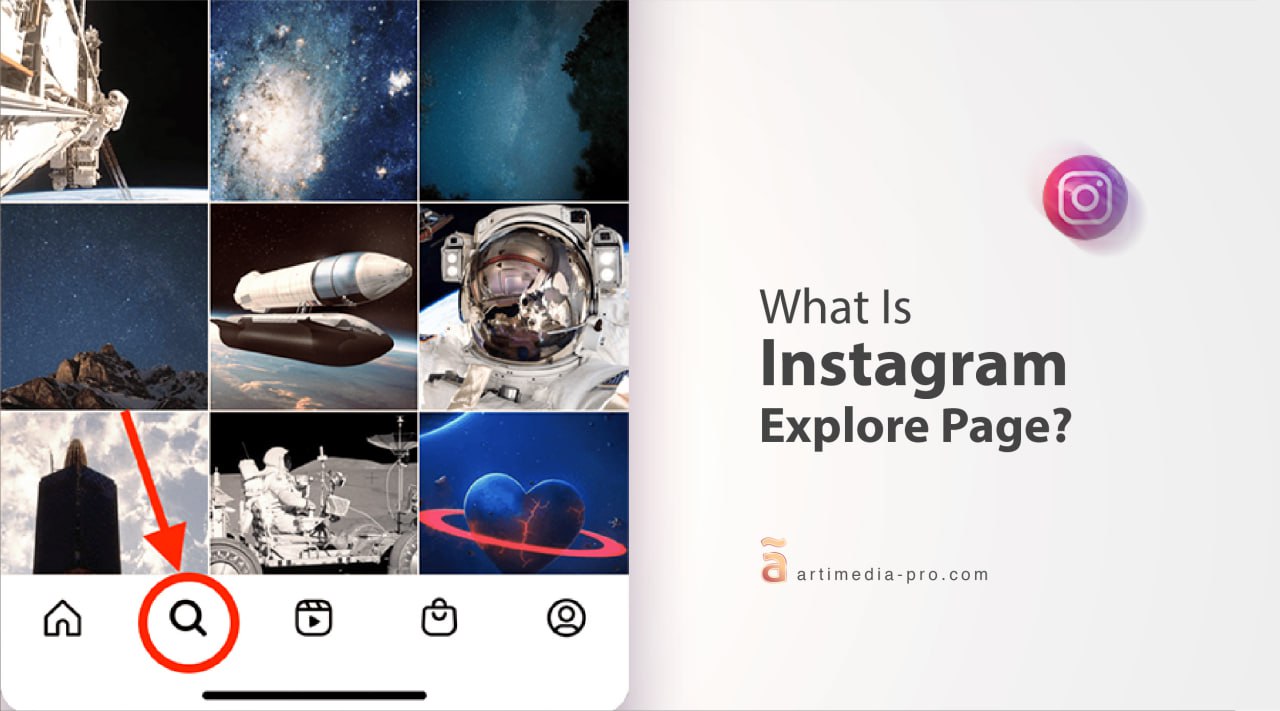
The Explore page is a personalized feed of photos, videos and Reels that Instagram suggests to each person based on what they have liked, saved, shared and commented on. Appearing there means Instagram judged your content relevant to someone who does not follow you yet. For a business, that is a route to people who are already interested in what you offer.
What Instagram Says Decides What Appears on Explore
In Instagram’s ranking explainer (published by Adam Mosseri on May 31, 2023, and the most detailed public explanation we could find), Instagram lists four kinds of signals for Explore, in this order:
- Information about the post: how many people are liking, commenting, sharing and saving it, and how quickly.
- Your activity: the posts a person has liked, saved, shared or commented on in Explore.
- Your history with the account: how often a person interacts with the account that posted.
- Information about the account: how many times people have interacted with it in the past few weeks.
Instagram adds that likes, saves and shares are the most important actions it predicts for Explore. The page does not mention hashtags, and it does not list follower count among the Explore signals. Because the explainer is from 2023, check Instagram’s current Help Center for changes before building a strategy on it. Chasing hashtags instead of saves and shares is one of the classic social media mistakes.
Six Practical Steps to Get Featured on the Explore Page
1. Stay Focused on a Clear Niche
Instagram does not list niche focus as a signal, but a clear topic makes it easier for people to understand your account and engage with it repeatedly, which is what the signals above reward. If you want to know how to get art on the Instagram Explore page, focus on art: your painting process, finished pieces, sketching Reels and the ideas behind them. A mixed feed of unrelated topics gives people less reason to come back. For more on audience targeting, see Hootsuite’s guide to the Explore page.
2. Make Content People Want to Save and Share
Saves and shares are among the signals Instagram predicts, so create posts that are worth keeping or sending to a friend: checklists, step-by-step carousels, before-and-after results, recipes, price guides or templates. Ask yourself whether a person would send this to someone else. If the answer is no, rework the idea.
3. Use Reels for Discovery
Instagram says Reels are ranked through a similar process with different predictions: how likely people are to watch all the way through, like, reshare and visit the audio page. In practice, open with a clear hook in the first seconds, keep the Reel short enough that people finish it, and choose audio that suits the video. Our guide to Instagram best practices covers formats in more detail, and Later’s Explore page guide offers a second perspective.
4. Use a Few Targeted Hashtags
Hashtags help describe a post but do not guarantee reach. Social Media Today reported on December 18, 2025 that Instagram will limit captions to five hashtags, with the company saying fewer, more targeted hashtags can improve both performance and people’s experience. The same report cites Adam Mosseri saying in 2025 that hashtags do not improve visibility on Instagram, although they help show what a post is about. Pick up to five that describe the post accurately, such as a broad tag, a niche tag and your brand tag. A location tag helps nearby customers recognize where you are, although Instagram has not said it changes Explore ranking.
5. Post When Your Followers Are Active
Because Instagram looks at how quickly people respond to a post, early engagement matters. Check your Instagram Insights to see when your followers are most active, and publish then. Our guide to the best time to post on Instagram explains how to find your own window.

6. Invite Engagement and Reply to It
Ask a question in your caption, use poll and question stickers in Stories, and reply to comments quickly. Conversation is useful in itself, and it keeps the early activity around a post going. Make the content itself good enough to deserve it: clear lighting, a steady frame and a consistent editing style matter more than expensive equipment.
From Explore Reach to Customer Inquiries
For a restaurant, clinic, tourism brand or local shop, an Explore spike is only useful if it brings people who contact you. After a post performs well, check Insights for reach from people who do not follow you, saves, shares and profile visits, then count the messages, WhatsApp taps and booking requests that followed. Repeat the topic and format that produced inquiries, not just views. If a post reached many people and produced none, treat it as a signal that the topic attracts attention but not buyers.
This connects to a wider plan. Choosing the right platforms, balancing organic and paid social media and understanding the social media algorithm will do more for your results than any single trick.
Conclusion: Turn Discovery into Growth
Landing on the Explore page can accelerate growth, but there is no formula that guarantees it. Make a focused account, publish content that people save and share, use Reels, keep hashtags few and relevant, and measure inquiries rather than impressions. Managing this every week is a lot for a busy owner, which is why many businesses hand it over. Contact artiMedia Pro and we will work as your outsourced marketing department, with one accountable team and a monthly report. You can also read about our social media marketing services.
Sources
- Adam Mosseri, Instagram Ranking Explained, Instagram, May 31, 2023.
- Instagram Implements New Limits on Hashtag Use, Social Media Today, December 18, 2025.
Frequently Asked Questions (FAQs)
How many followers do I need to get on the Instagram Explore page?
Instagram has not published a minimum. Its explanation of Explore ranking lists post engagement, your own activity, your history with the account and recent interactions with the account, and does not mention follower count for Explore. Content from smaller accounts can be recommended when it earns strong, quick engagement, but Instagram does not guarantee placement.
How long does a post stay on the Explore page?
Instagram does not publish a duration. Because ranking depends on how many people engage with a post and how quickly, a post that keeps earning likes, saves and shares has more chances to keep being recommended, while one that stalls does not.
Does using sponsored posts or ads help me get on the Explore page?
Ads can appear in Explore, but Instagram’s explanation of organic Explore ranking does not list ad spend as a signal. Treat paid promotion as a separate way to reach new people rather than a shortcut to organic placement.
Do hashtags still help me reach the Explore page?
Less than they used to. Instagram announced in December 2025 that it would limit captions to five hashtags and said fewer, more targeted hashtags can improve performance, while Adam Mosseri has said hashtags do not improve visibility. Use a few that describe the post accurately.
I am an artist. What content gets my art on the Explore page?
Reels that show your process, such as timelapses and sketching, and carousels of finished pieces with a caption about your idea give people reasons to watch to the end, save and share. Add up to five specific hashtags such as #oilpainting or #digitalillustration.